



Where your answers and results show up
Some answers come back straight away and some arrive later. Here is where each one lands.
Answers that come back straight away
Most of what you ask for is answered in the conversation you asked it in, while you watch. Questions, drafts, summaries, anything about a file you have attached — the reply appears under your message and you can carry straight on.
Longer answers take longer to finish writing, but they are still the same thing: you stay on the page and it arrives.
Results that arrive later
Some work does not finish in the time it takes to answer a message, and Orsola does not make you sit and wait for it:
- Anything you scheduled — a reminder for Friday, something that runs every Monday.
- A meeting recording, which has to be processed before the transcript and summary exist.
- A phone call taken on your behalf, which produces a summary after the call ends.
You ask for something
Answered straight away
In the conversation, while you watch
- Questions
- Drafts and summaries
- Anything about a file you attached
Takes longer to finish
Carries on after you close the tab — the bell shows when it is ready
- Anything you scheduled
- A meeting recording
- A phone call taken for you
You can close the tab. The work carries on without you, and the finished result is waiting when you come back.
The bell, and what a badge means
The bell in the top bar is where finished work announces itself. When something has arrived that you have not looked at, a small number appears on the bell — that is how many unread notifications you have, counting up to 99 and then showing 99+.
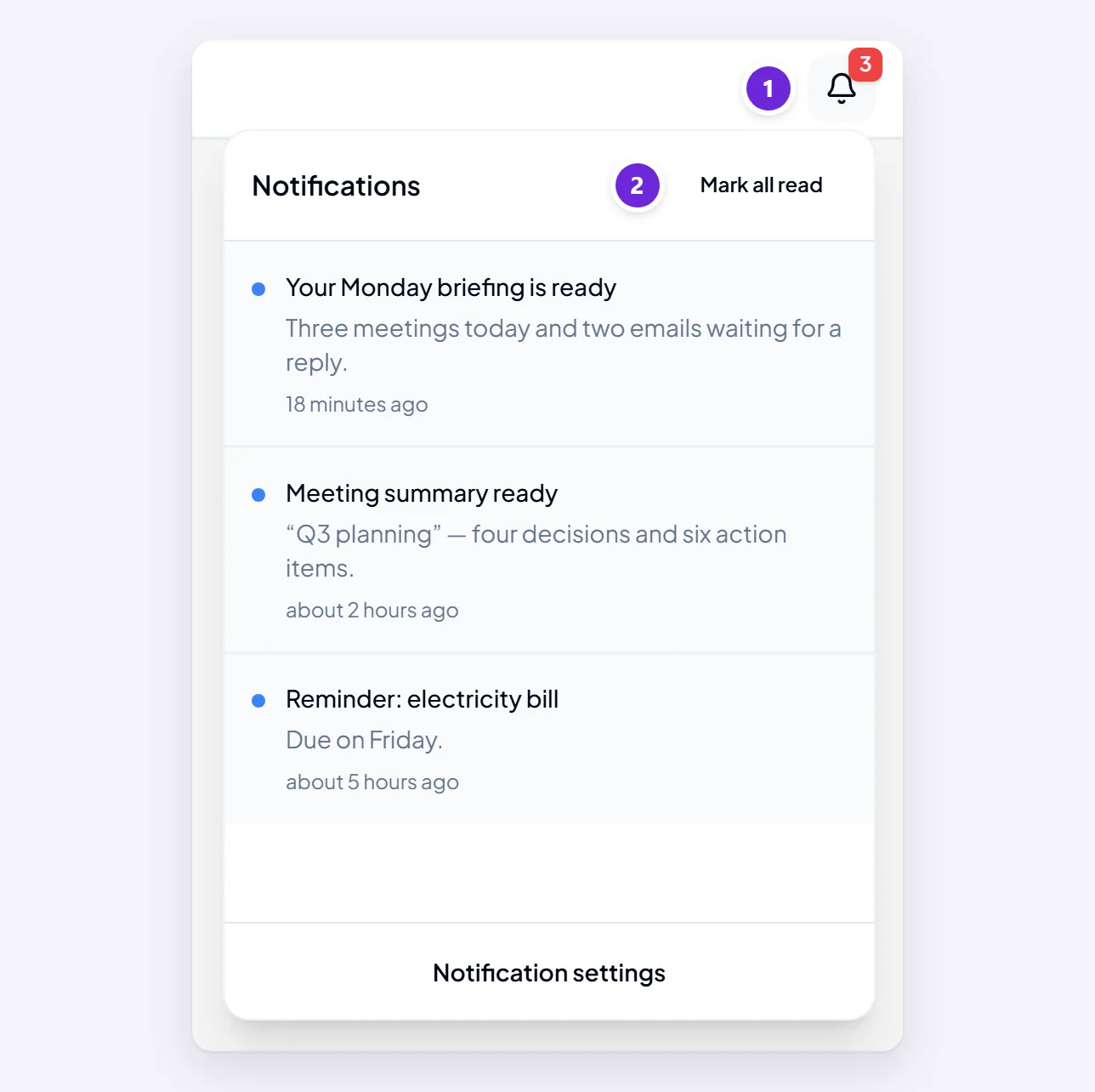
Open the bell to see the list. Choosing a notification takes you to the thing it is about; Mark all read clears the number without opening anything.
You decide what is worth being told about. Choose what you get notified about covers the settings, including email.
Boxes you can press buttons on
Some replies come back as a box rather than as text: a list of emails, a table, a chart, a suggested meeting time, a booking waiting to be confirmed. They are part of the conversation, in the normal place — they just have controls on them.
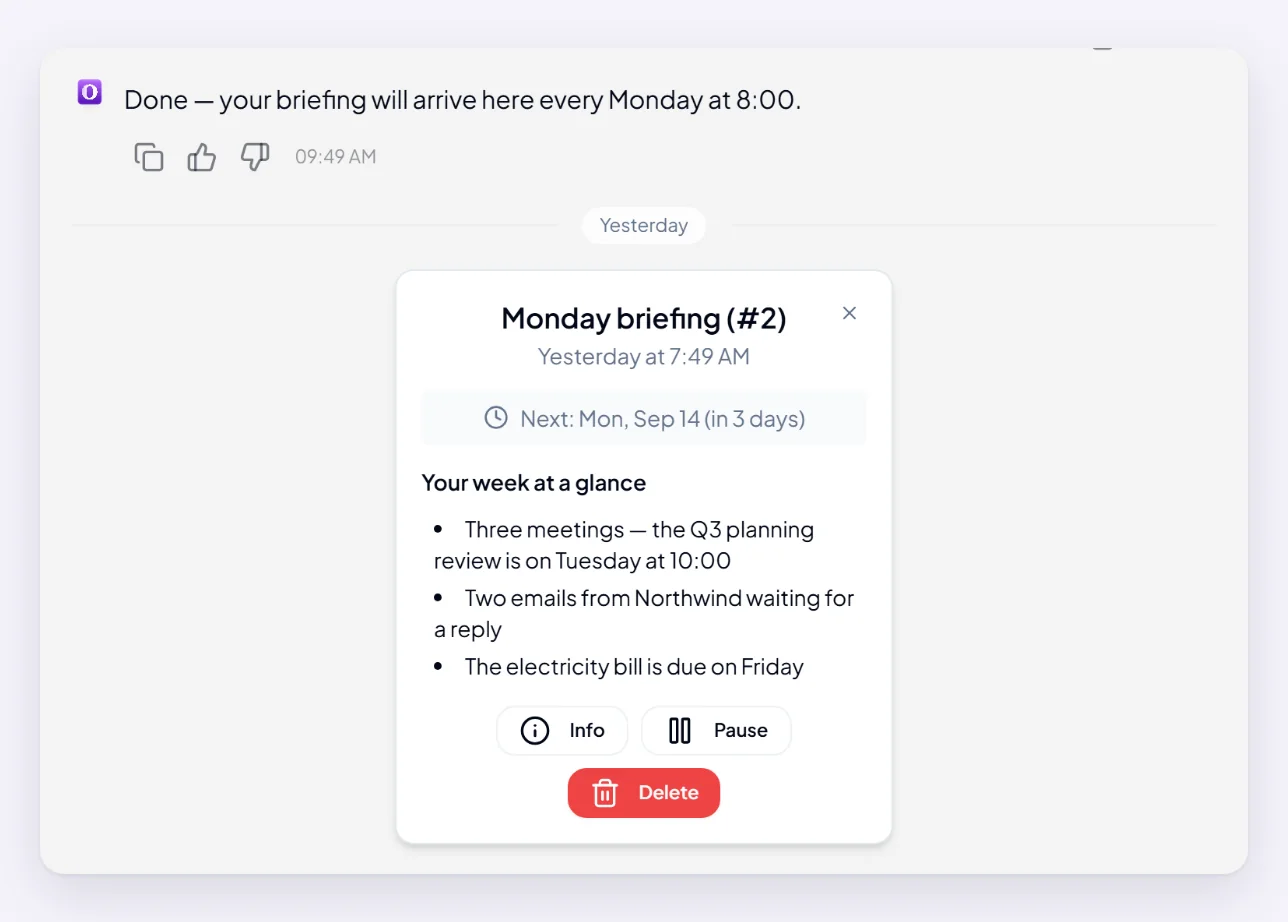
The buttons are there because Orsola needs an answer before it goes any further. A suggested time is not in your calendar until you confirm it, and a booking is not made until you say so. Nothing on one of these boxes happens on its own, so an unanswered box means the work is still waiting on you, not stuck.
Nothing arrived — what to check
In this order:
- Open the bell. A finished result you have not opened is the commonest cause, and it looks exactly like nothing having happened.
- Look in the conversation you asked in. Results attach to the conversation that started them, not to whichever one you have open now.
- Check the thing was actually scheduled. If you asked for something recurring, it should be listed with a next run time. If it is not there, it was never set up — ask again, plainly.
- Give processing time. A recording or a call summary appears after the work finishes, not when it starts.
If you got through that and something is genuinely missing, my reminder did not run takes it further for scheduled work, and five checks that fix most things is the general starting point.