



Connect your calendar
Connect Google or Outlook Calendar so Orsola can answer about your day and book things.
Google Calendar or Outlook Calendar
Both are supported, and both let Orsola see your events and create or change them. Unlike mail, there is no meaningful difference between the two — pick whichever your calendar actually lives in.
Each counts separately against your plan's connected-account allowance, so Gmail plus Google Calendar is two.
Connect it
- Open Integrations.
- Choose Connect on Google Calendar or Outlook Calendar.
- Sign in at Google or Microsoft and approve the permissions shown.
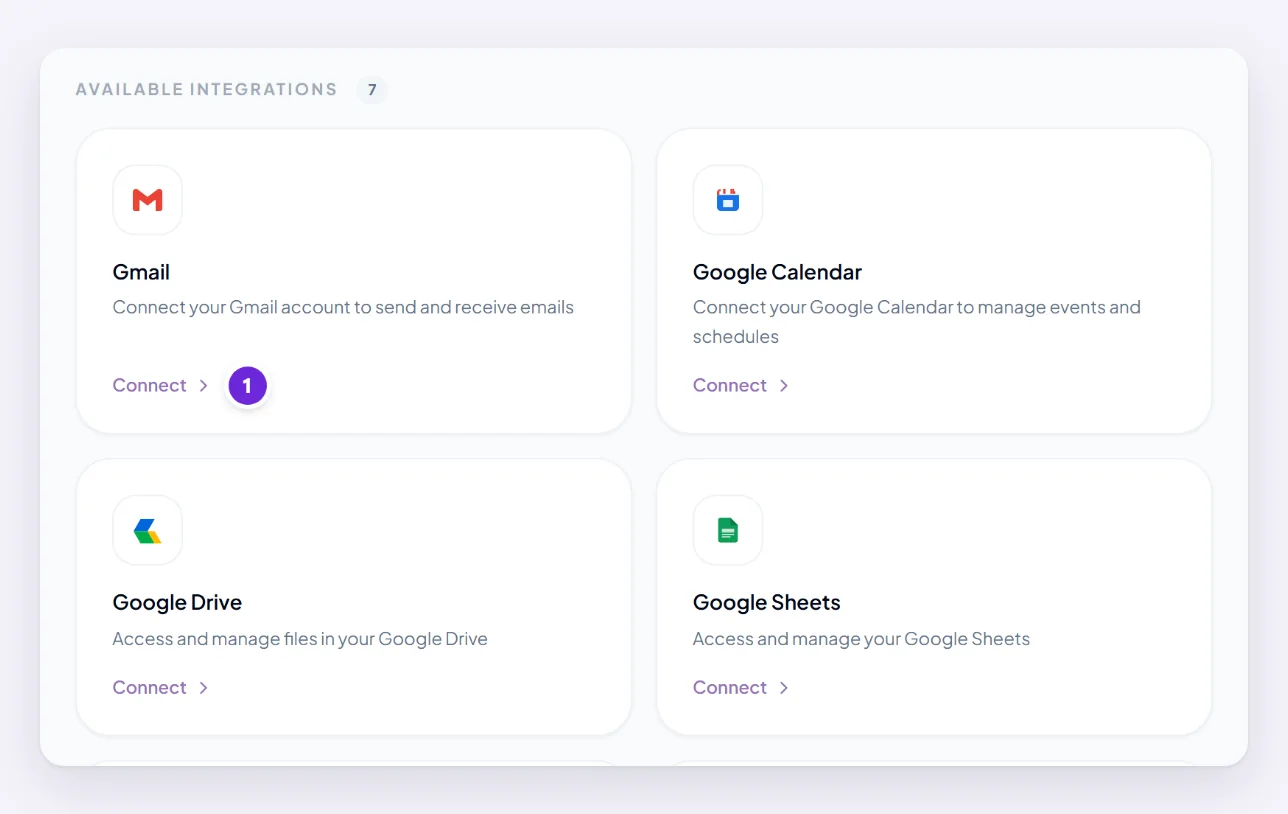
Orsola gets access to your events — seeing them, and creating or changing them. It does not get to create or delete whole calendars.
Ask about your day, and book things
Reading:
- "What have I got tomorrow?"
- "Where is my first meeting on Thursday, and how long do I need to get there?"
- "Find me a two-hour block next week with nothing either side."
Writing:
- "Put an hour in on Friday afternoon to write the report."
- "Move my 3pm to the same time on Wednesday."
- "Book 30 minutes with Sam next week, mornings if possible."
Anything that changes your calendar follows the same rule as sending mail: a plain instruction goes ahead, an ambiguous one comes back to you first. A suggested time is not in your calendar until you confirm it — see when Orsola checks with you first.
Once mail and calendar are both connected, requests can span the two: "Reply to Dana saying yes, and put it in the diary."
If your events do not show up
- The events are on a different calendar. Most people have several — a personal one, a work one, subscribed ones. Orsola sees the account you connected, so events on another account need that account connecting too.
- You are asking about the wrong time zone. Orsola reads times against your profile's time zone. If that is wrong, so is everything it tells you about your day — check it on your profile.
- The connection lapsed. Open Integrations and look for anything asking to be reconnected.
- The event genuinely is not there. Worth checking in the calendar itself before assuming Orsola missed it — an invitation you never accepted may not be on your calendar at all.
Where to go next
Review, reconnect, or remove a connection if something has stopped working.