



Give Orsola standing instructions for a conversation
Set the rules once for a conversation instead of repeating yourself in every message.
What they are for
Instructions — Custom Instructions in the mobile app — are a standing brief attached to one conversation. Orsola follows them in every message there, so you stop restating the same context.
The test for whether you need them: if you have typed "remember, this is for a client" three times in the same conversation, put it in the instructions instead.
Add them to a conversation
- Create a new chat, or edit an existing one from its menu.
- Give it a title you will recognise.
- Fill in Instructions — the field is optional, and this is the part that matters.
- Save.
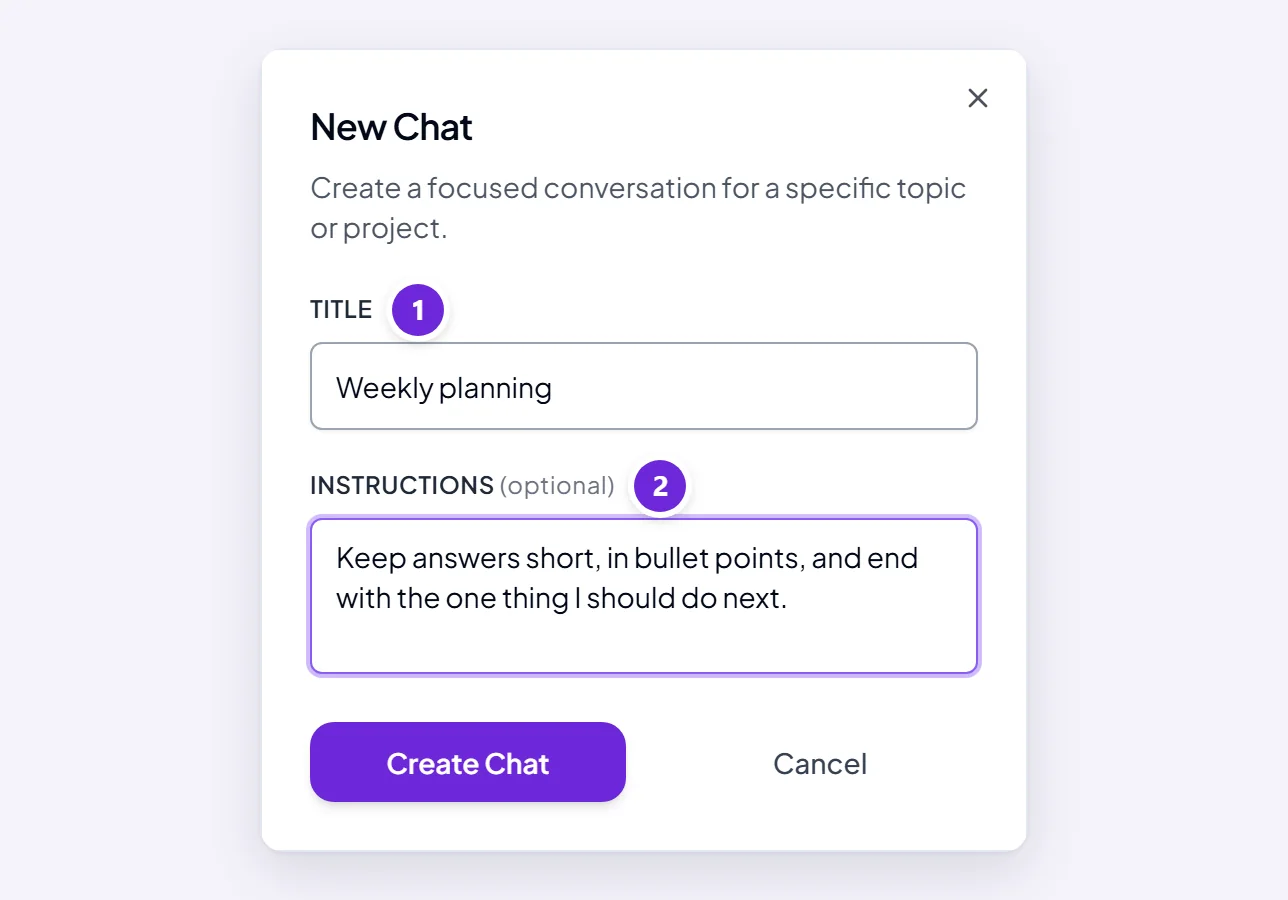
They apply from then on, not retrospectively.
Examples that work well
Concrete beats comprehensive. Rules Orsola can actually check itself against:
"Everything here is for external clients. Formal but not stiff, never more than 200 words, always end with a clear next step and a date. Never mention internal tooling by name."
"I am reviewing contracts as the buyer. Always flag anything that creates a cost after year one, anything auto-renewing, and anything with an exclusivity clause. Quote the clause number."
"Answer in British English. Give me the direct answer first and the reasoning after, not the other way round. If you are unsure, say so rather than guessing."
What makes these work: they say the audience, the shape, and at least one thing never to do.
Change or remove them
Edit the conversation and change the field; clear it to remove them. It affects what comes next, so a conversation that has drifted often settles down as soon as you tighten the instructions.
Instructions or an agent of your own?
- Instructions for one piece of work, one client, one document. Free on any plan.
- An agent of your own for something you do every week and want in the sidebar with its own capabilities. Needs Pro — see build an agent for one specific job.
Instructions are the cheaper experiment. If you find yourself copying the same ones into new conversations repeatedly, that is the signal to build the agent.
Where to go next
Start a conversation and get a useful answer covers per-message phrasing, which instructions do not replace.