



See where your money went
Totals by category and period, and budgets that tell you before you overspend.
Your expenses
The page is called Expense Management, and it is not in the main navigation — the way in is the My Expenses card on your Dashboard, which has View All Expenses on it.
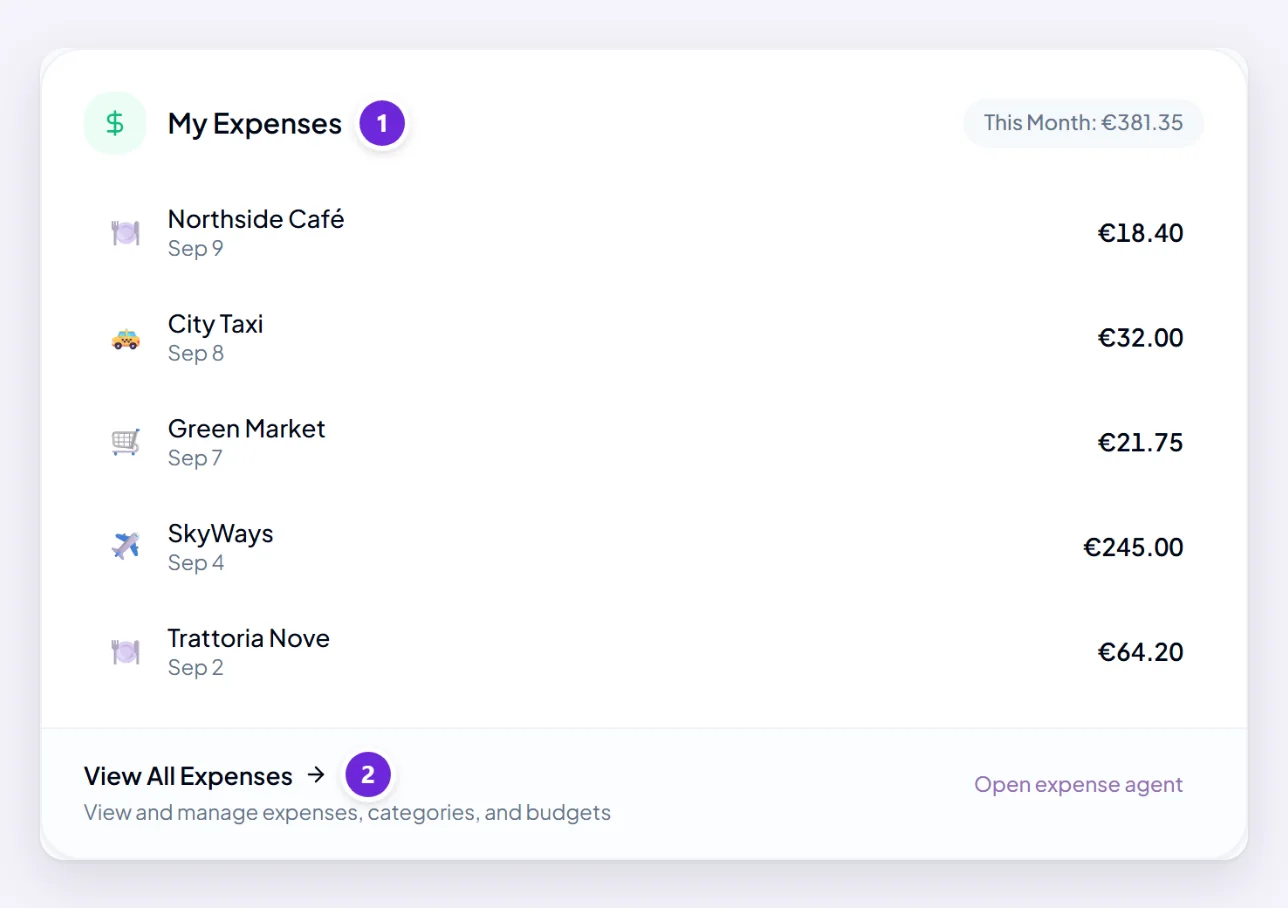
Its Expenses tab lists everything you have logged, with the amount, date, merchant and category on each entry, and the invoice file where you attached one. Categories and budgets are the tabs beside it.
Filter and sort to answer a specific question rather than reading the whole list.
Just ask
Often faster than the page:
- "What did I spend on travel last month?"
- "How does this month compare with last?"
- "List everything over £100 since January with no receipt attached."
- "Which category has grown the most this quarter?"
Ask for the shape you want too — "as a table", or a document you can send on: ask Orsola to make a document or spreadsheet.
Categories
The Categories tab is where the grouping is managed. Totals are only as good as the categorisation underneath them, so it is worth keeping tidy — a handful of categories you actually use beats thirty you do not.
If a category looks wrong in a summary, the fix is usually a few entries rather than the category itself — see expense filed under the wrong thing?
Budgets
The Budgets tab sets a limit for a category and a period, and warns you as you approach it rather than after you have passed it. The alert threshold is configurable, and defaults to 80% of the budget.
Budgets are most useful on the two or three categories that actually vary. Setting one on everything produces noise you will learn to ignore.
Getting it out
Ask for a summary of a period as a document or spreadsheet when you need to submit or share it. The invoice files you attached stay with their entries as the evidence.
Where to go next
Log a receipt or an expense — consistent logging is what makes any of this worth reading.